
En Odoo, hay un módulo que te permite registrar cheques recibidos, gestionarlos en una cartera, endosarlos a proveedores o depositarlos en el banco.
Ideal for companies that:
- Regularly receive physical cheques as payment
- Need to track the circulation and due dates of checks.
- Want a traceable accounting and operational process
How to set it up?
Step 1: Install the module
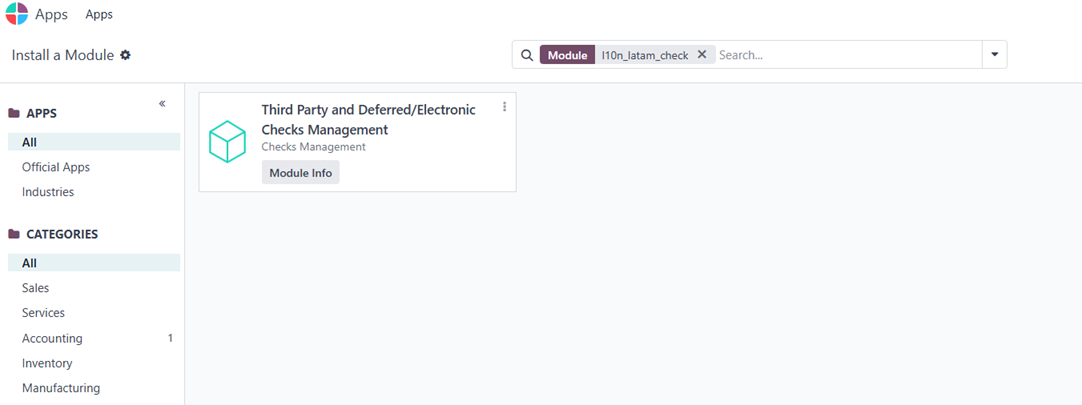
- Go to Apps and install the module: l10n_latam_check
Step 2: Configure the journal
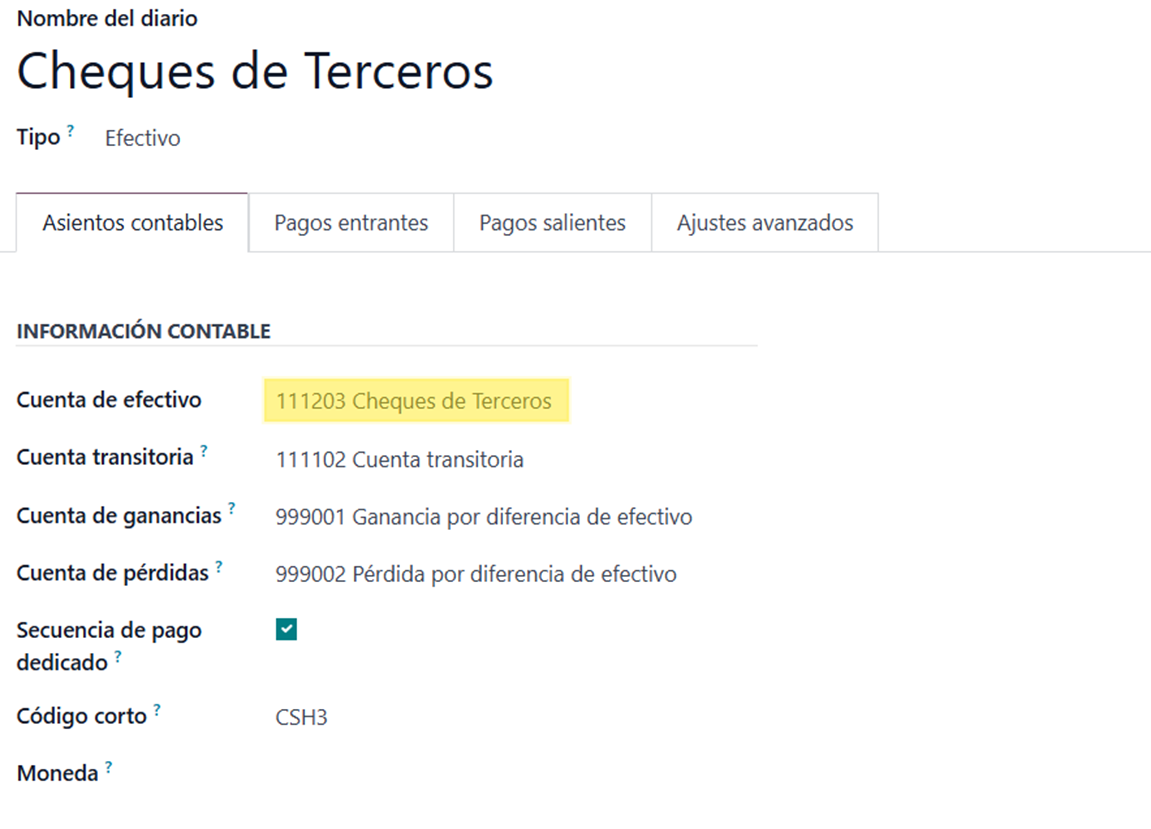
Once the module is installed, a cash-type journal is automatically created, named “Cheques de Terceros”, with an assigned account:
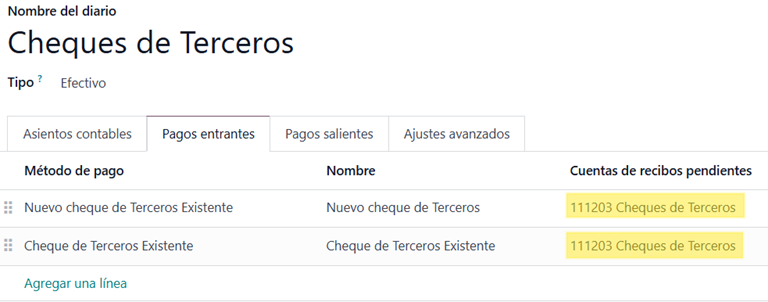
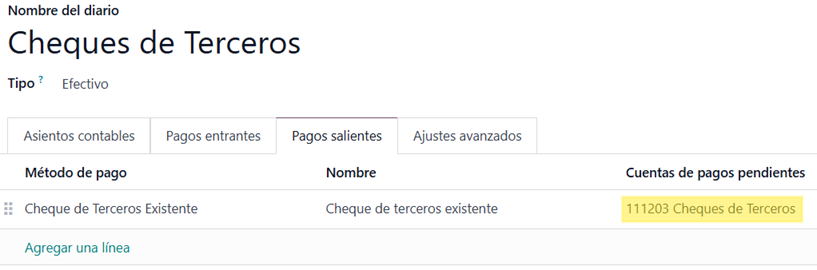
- Select this same account in the incoming and outgoing payment methods:
How does it work?
Receiving a cheque
- When registering a customer payment, choose the journal “Cheques de Terceros”:
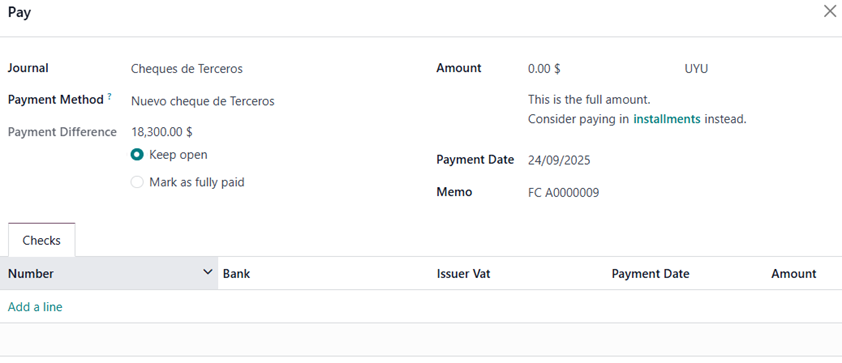
You can enter one or more cheques by filling in:
- Cheque number
- Bank
- Payment date
- Amount
The cheque will be set to status: “On hand”
Actions available on the cheque
Deposit into bank
- From Accounting > Customers > Third Party Checks:

- All cheques with the status “On hand” will be listed.
- Select the cheque and click “Check Transfer”
Vendor payment:
- When registering a vendor payment, choose the journal “Cheques de Terceros”:
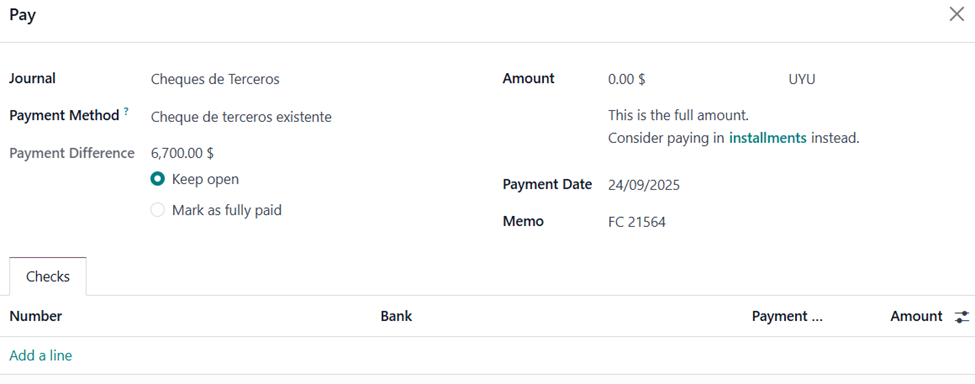
- • When adding a line, you’ll be able to select any cheque currently in the “On hand” status:
Conclusiones
The third-party cheque management functionality in Odoo enables precise and traceable control of cheques — from their initial reception to their use as payment or bank deposit.